
Fast document reading
Open PDF files smoothly, jump back into recent documents, and browse local files without friction.
Fast PDF, scan & office viewer
A lightweight app to open files quickly, keep recent documents close, and handle everyday reading with ease.
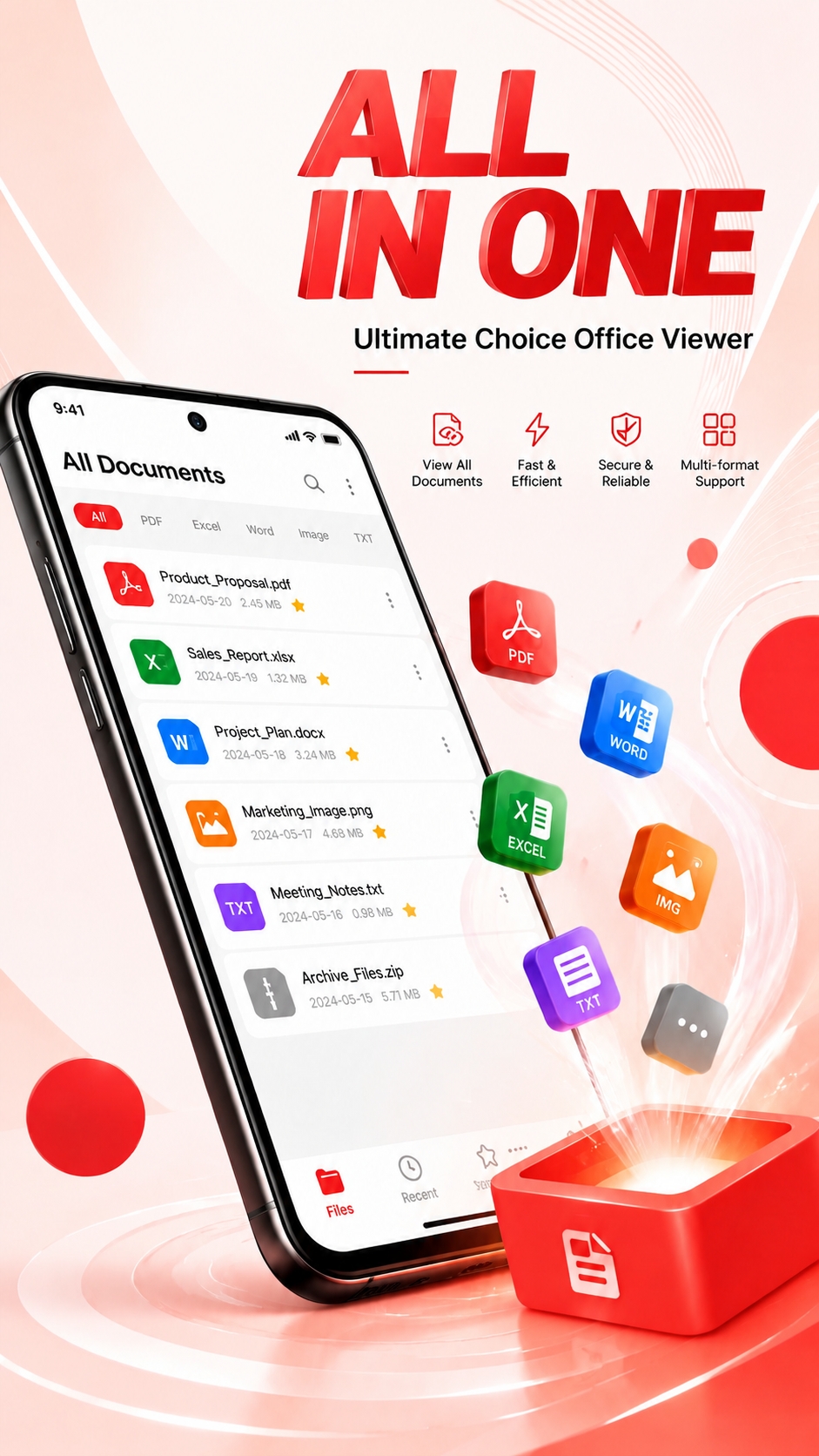
Everything you need to open, read, bookmark, and organize PDF documents.
Open PDF files smoothly, jump back into recent documents, and browse local files without friction.
Automatically detect documents on your device, then search, rename, delete, favorite, or recover files.
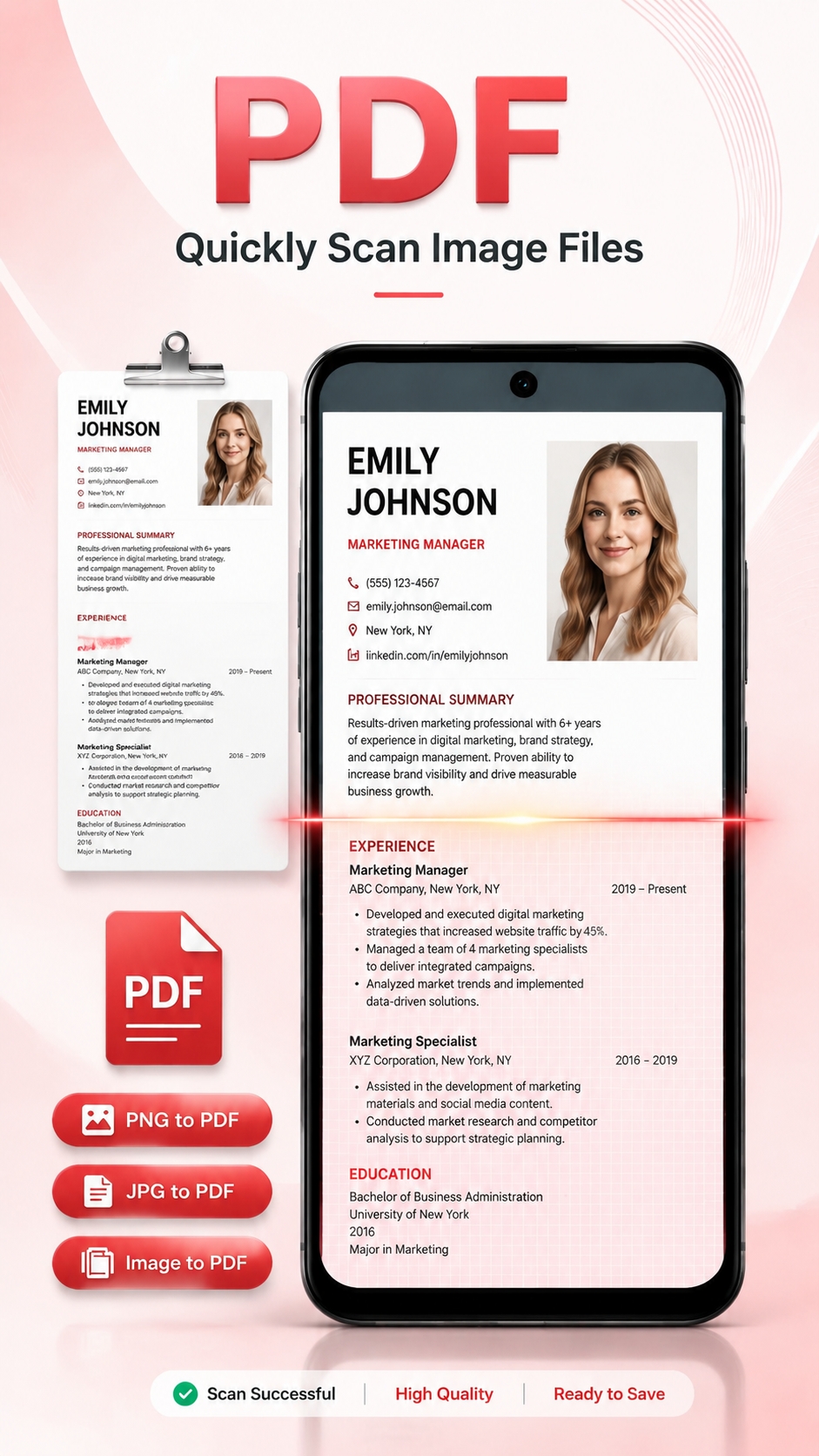
Use your phone camera to convert notes, receipts, forms, images, and study materials into PDF files.
Merge multiple PDFs, split selected pages, lock private files, or unlock protected PDFs when needed.
A quick look at the tools for scanning, viewing, and managing everyday documents.
A few common questions from our users.
Yes. The app includes free features, with optional premium upgrades.
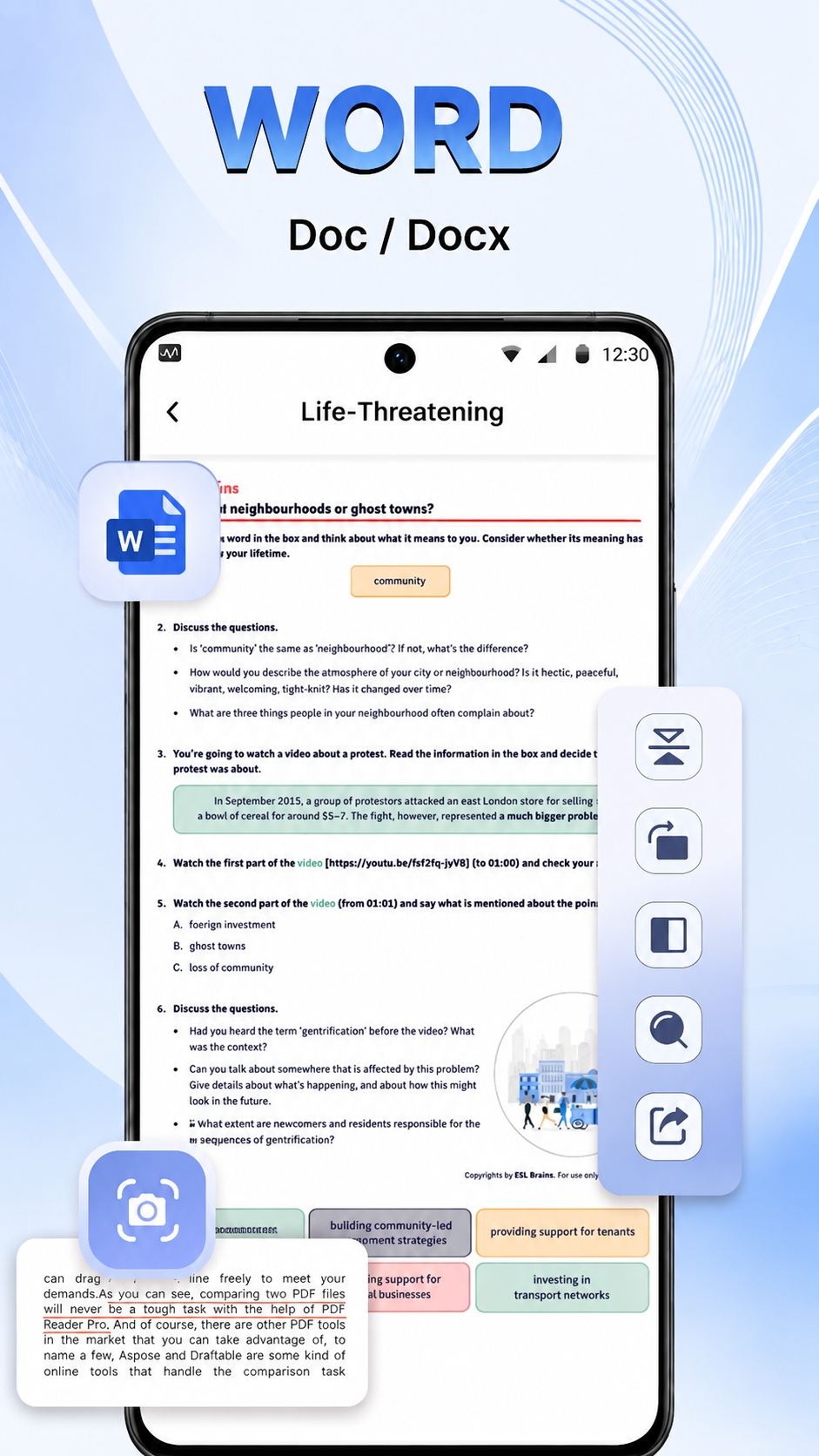
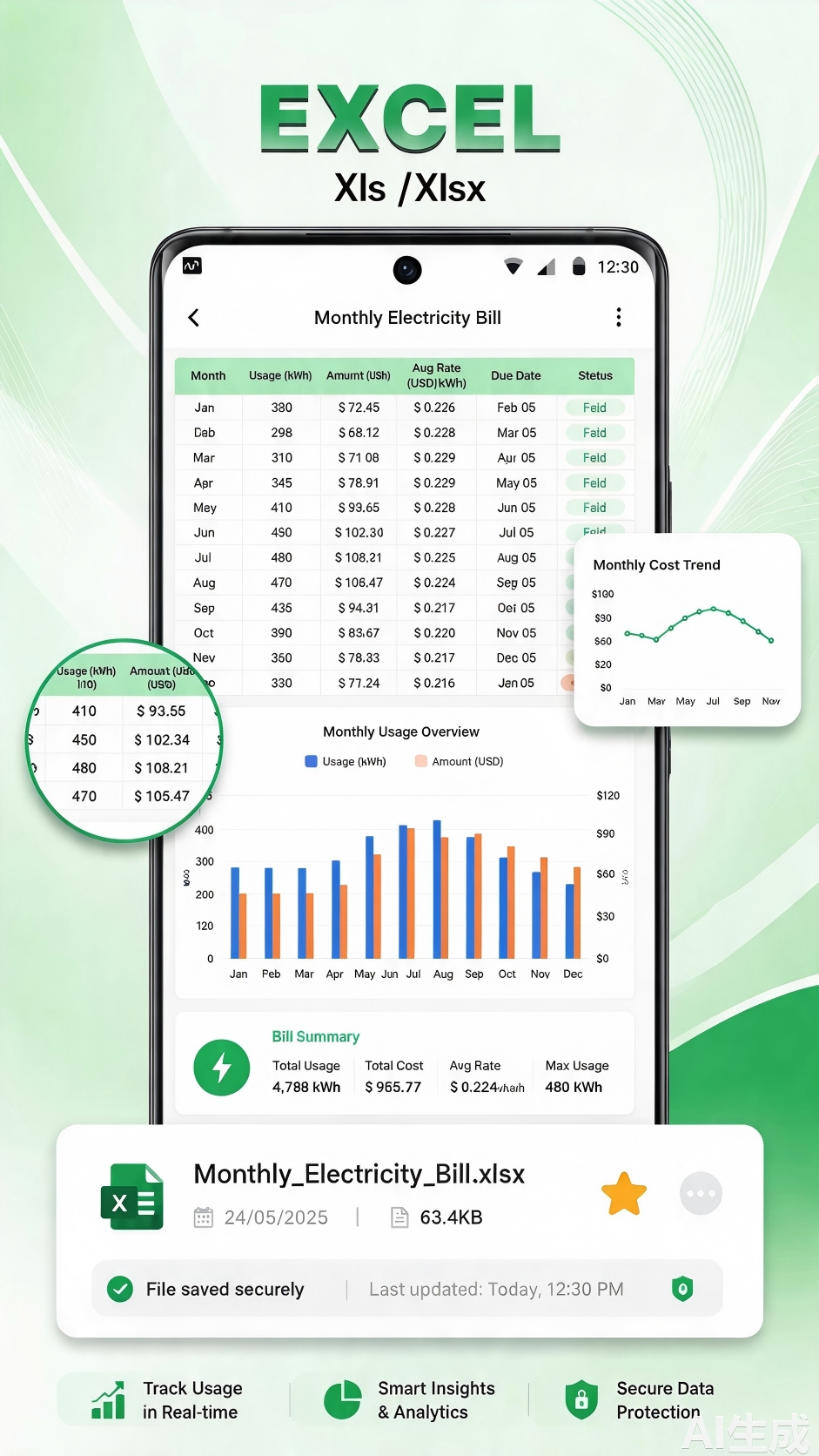
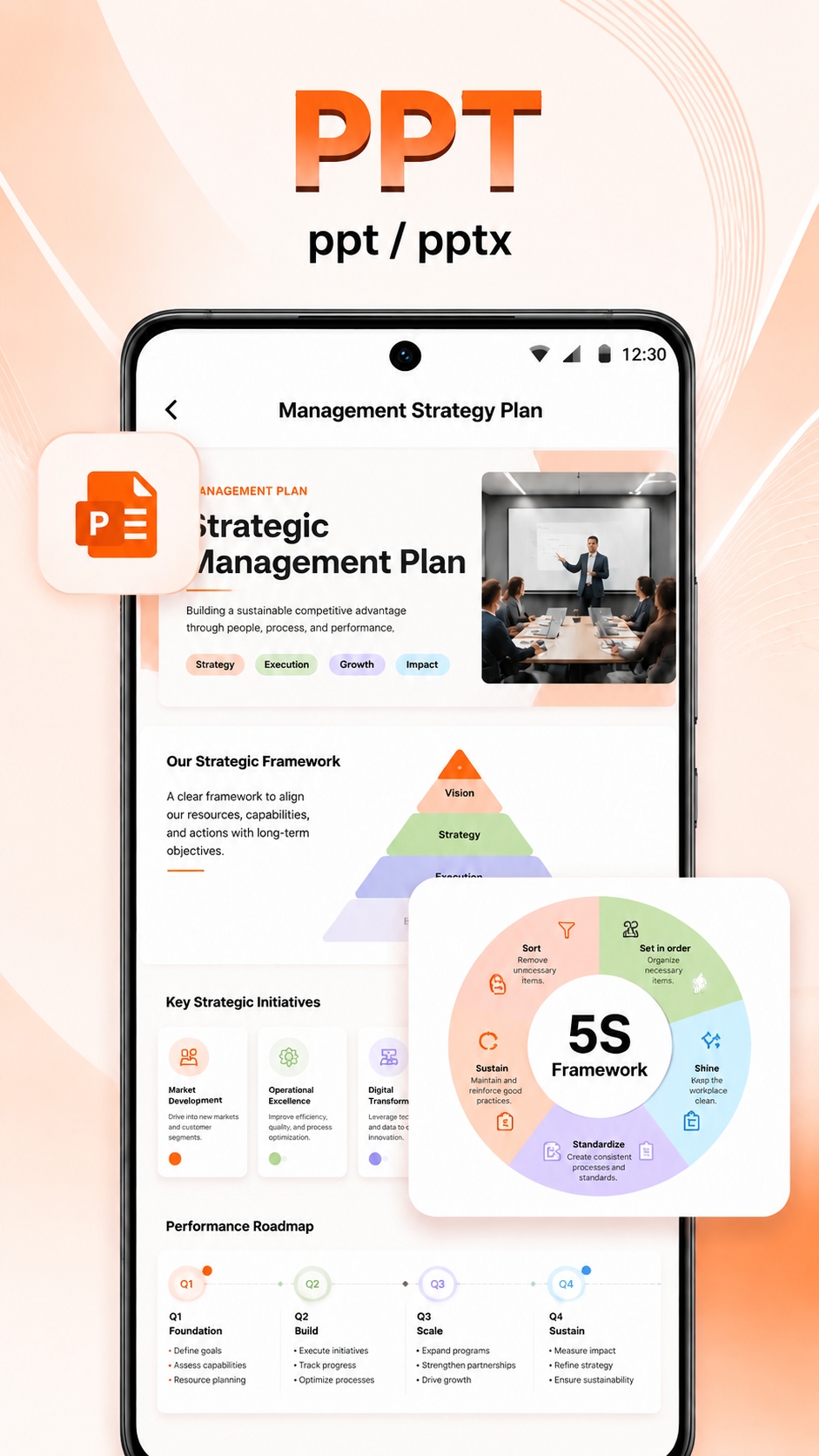
The app supports PDF, Word, Excel, PowerPoint, image files, and common text documents.
Yes. You can scan paper notes, receipts, forms, and images with your phone camera and save them as PDFs.
Yes. Most features are fully available without an internet connection.
Email us anytime at Okadetech@gmail.com.
Support
Contact the PDF Reader - Easy Viewer team and we will help with product questions, feedback, and support requests.
Okadetech@gmail.com